
Unlock True 120Hz Gaming
Without Root or Battery Drain
The easiest, most consistent 120fps fix for Xiaomi, Redmi, and POCO phones. Hyper120 unlocks 120Hz for your games while keeping com.miui.powerkeeper and adaptive refresh rate (is_smart_fps=1) 100% enabled.

Why Hyper120?
Designed to bypass Xiaomi's 60Hz game cap cleanly — without breaking adaptive refresh rate or standby battery life.
Zero Root Required
Installs like any normal Android APK. No unlocked bootloader, Magisk, LSPosed, or Shizuku needed.
No PC After Install
Starts automatically on boot (BOOT_COMPLETED) and runs natively on your phone.
Auto-Add Games
Detects installed and newly installed games (PACKAGE_ADDED) while remembering any game you uncheck.
Zero Daily Battery Trade-off
PowerKeeper stays intact and is_smart_fps=1 continues dropping to 60Hz/idle outside games.
Persistent Against Resets
Periodically refreshes PowerKeeper's mPrivGames map while your screen is on so 120Hz sticks.
Instant Search & Toggle
Search any installed game or app and toggle 120Hz with one tap — no package-name typing required.
In-Game & App Showcase
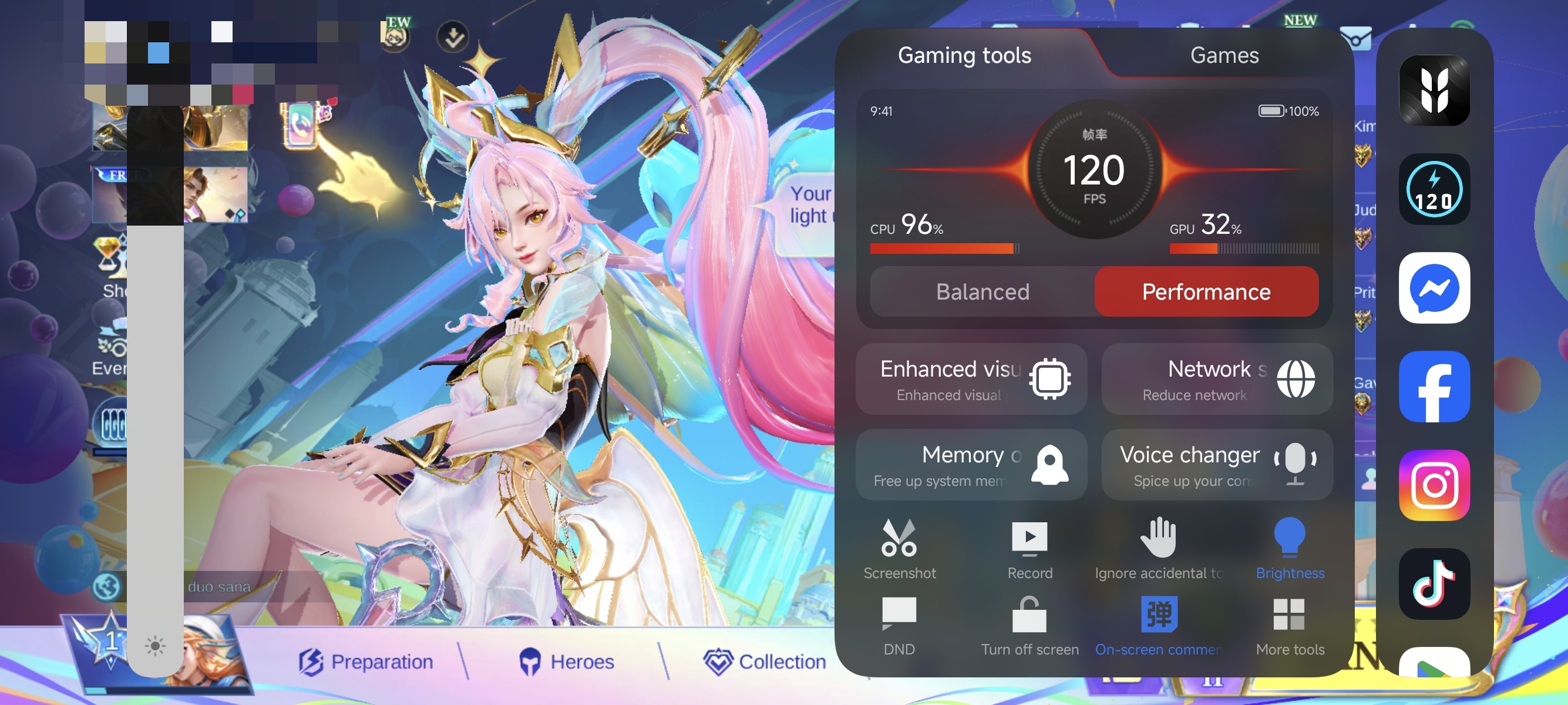
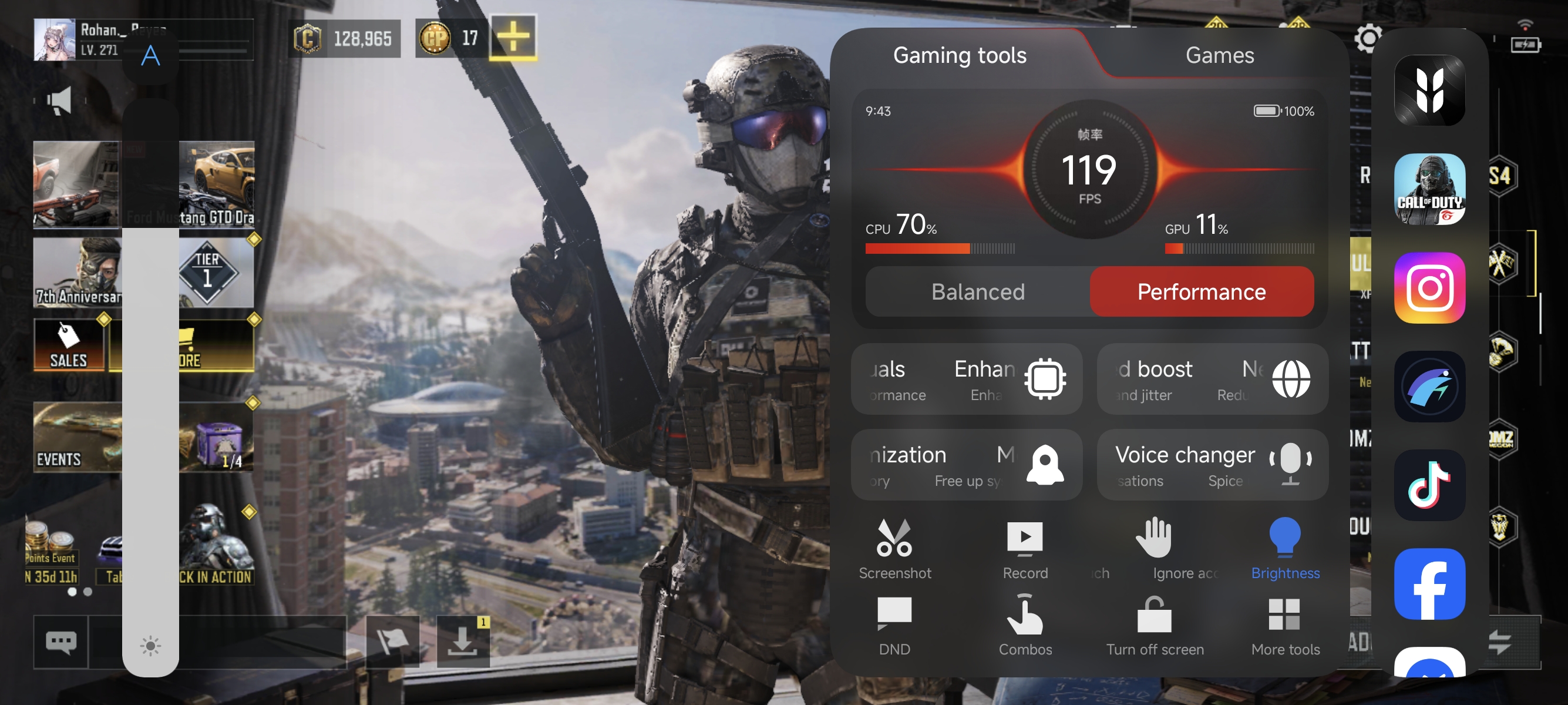
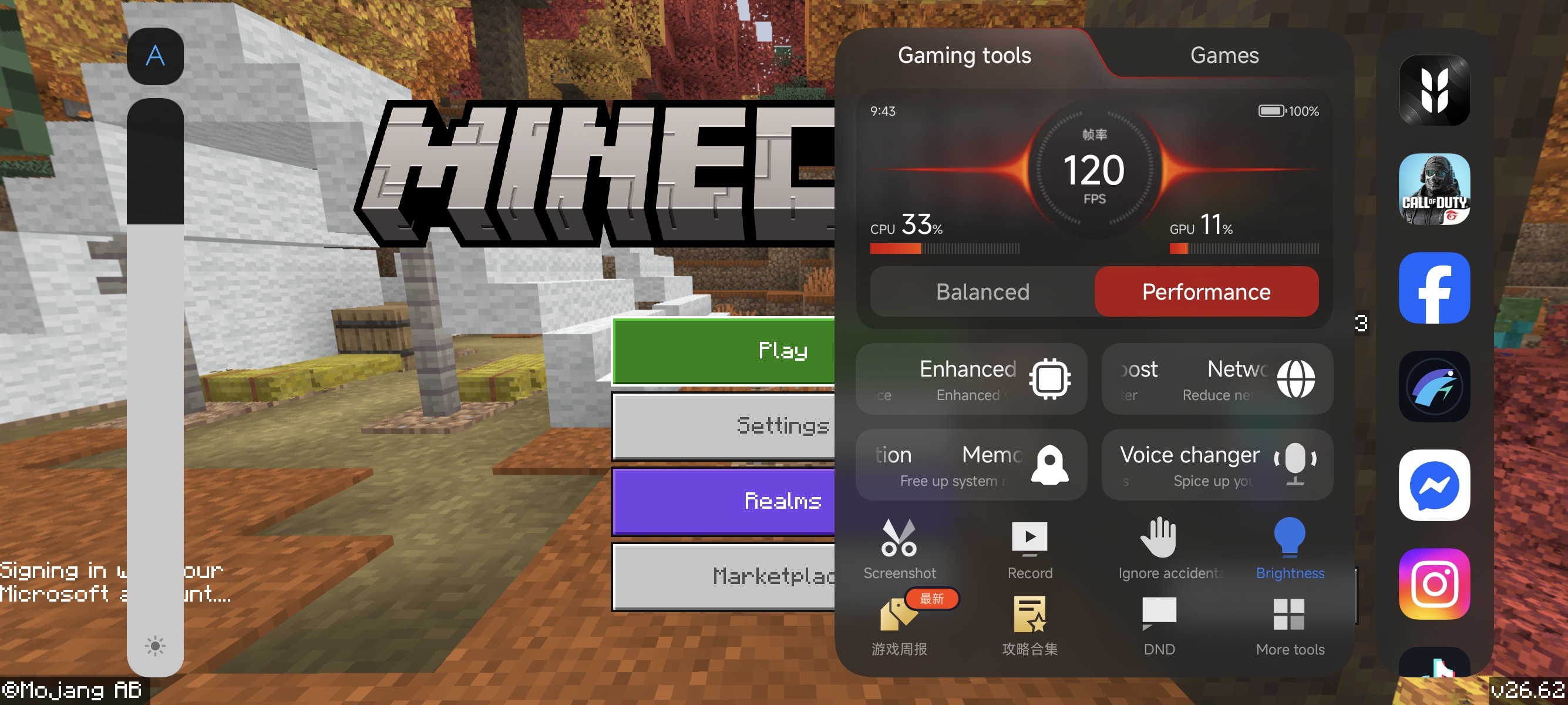
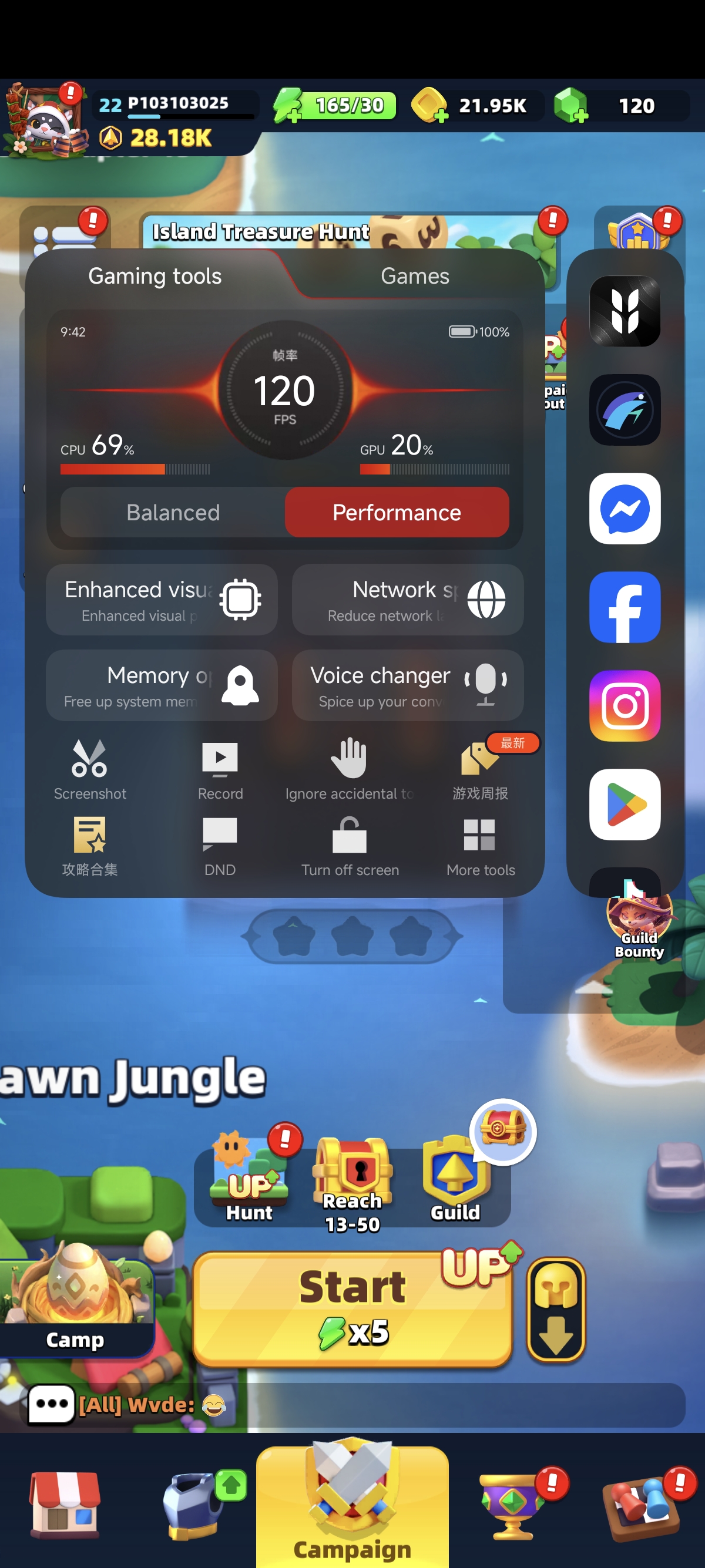
Tested on Xiaomi 14 (HyperOS / Android 16) with PowerKeeper enabled. Click any screenshot to zoom.
Quick Setup
Install directly on your phone in under 60 seconds.
Option A: Direct APK Install (Recommended)
- Download Hyper120.apk from GitHub Releases.
- Open the downloaded APK and allow Install from unknown sources if prompted.
- Launch Hyper120 — your installed games are detected and unlocked automatically.
- Long-press Hyper120 → App info and set Autostart: ON + Battery saver: No restrictions.
Option B: Optional ADB Setup
Install and whitelist Hyper120 from Doze/background limits in one command block:
adb install -r Hyper120.apk
adb shell dumpsys deviceidle whitelist +com.custom.game120hz
adb shell appops set com.custom.game120hz RUN_ANY_IN_BACKGROUND allow
Device Compatibility
Works on HyperOS / MIUI devices with 90Hz, 120Hz, or 144Hz displays and com.miui.powerkeeper.
Confirmed Working
Xiaomi 14 (houji) — HyperOS / Android 16 (China ROM) with PowerKeeper & Smart FPS enabled.
Likely Supported Models
Xiaomi: 15 / 14 / 13 / 12 series & T-series
Redmi: K80 / K70 / K60 / K50, Note 14 / 13 / 12 Pro & Turbo
POCO: F6 / F5 / X7 / X6
Tablets: Xiaomi Pad 6 / Pad 6 Pro / Pad 7 / Pad 7 Pro
Note: POCO M6 Pro 5G reported not working (90Hz panel / Global ROM restriction).
How It Works & Verified Proof
Hyper120 broadcasts com.xiaomi.joyose.OVERRIDE_GAME_FRESHRATE directly to PowerKeeper to populate mPrivGames at 120Hz.
Stock PowerKeeper Cap
mDisplayModeSpecs={baseModeId=2 ... render: (0.0 60.0)}
mActiveRenderFrameRate=60.000004
PowerKeeper + Smart FPS Enabled
mDisplayModeSpecs={baseModeId=1 ... render: (0.0 120.0)}
mActiveRenderFrameRate=120.00001
fpsconfig mPrivGames={com.mobile.legends=120, com.garena.game.codm=120, ...}